Wireless Keyboard Mouse Combo with Bluetooth 5.0 - Worth It?
A full-size rechargeable keyboard and mouse combo with Bluetooth 5.0 and 2.4G - multi-device switching at under $32.
Save $33.19 on this deal!
⏰Offer valid for a limited time!
🛒Buy now on AliExpress🔒 Secure payment on AliExpress • Price may change
📋 Detailed description
Working across multiple devices used to be a cable nightmare
If you use a laptop and a desktop, or a PC and a Mac, you probably know the frustration: either you have two keyboards taking up your desk, or you're constantly plugging and unplugging a single one. I went looking for a wireless keyboard-and-mouse combo that could handle at least two devices without costing me what a decent mechanical keyboard alone would. Under $35, Bluetooth, full-size, rechargeable. That list felt optimistic. Then I came across this one.
What you actually get
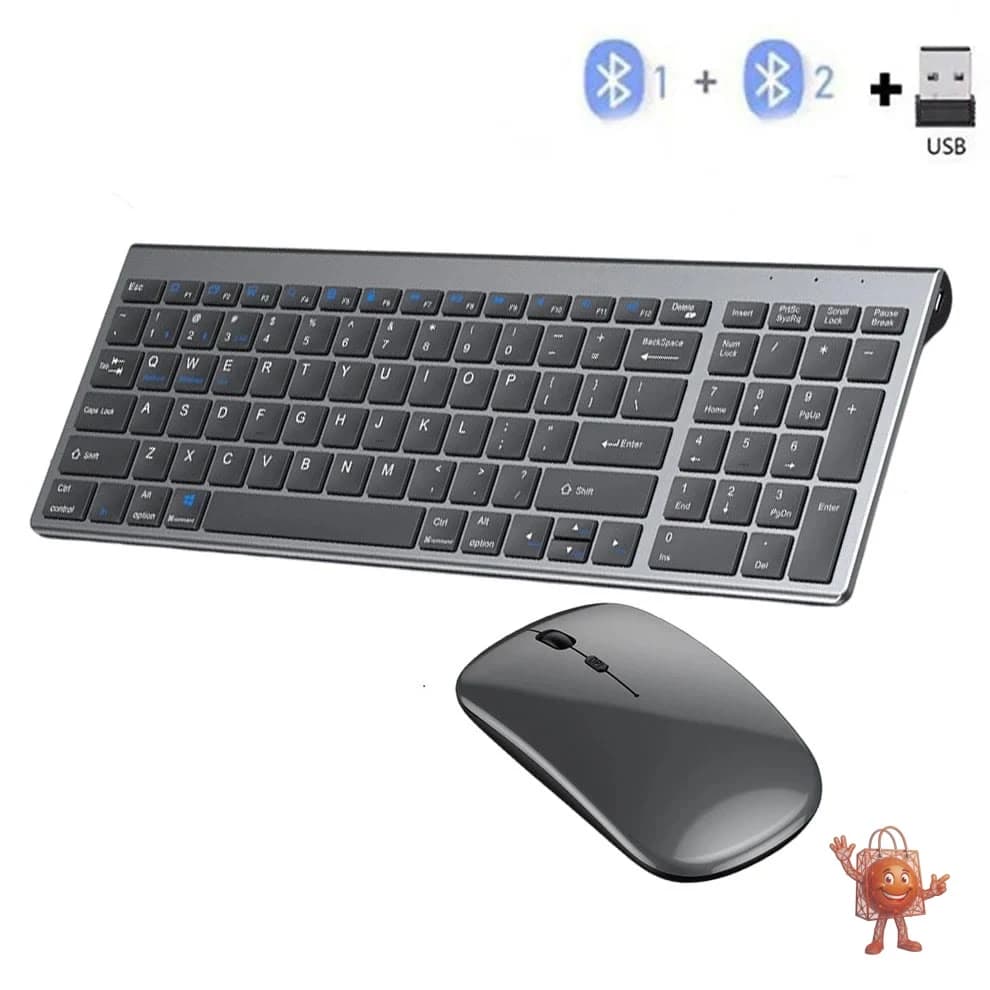
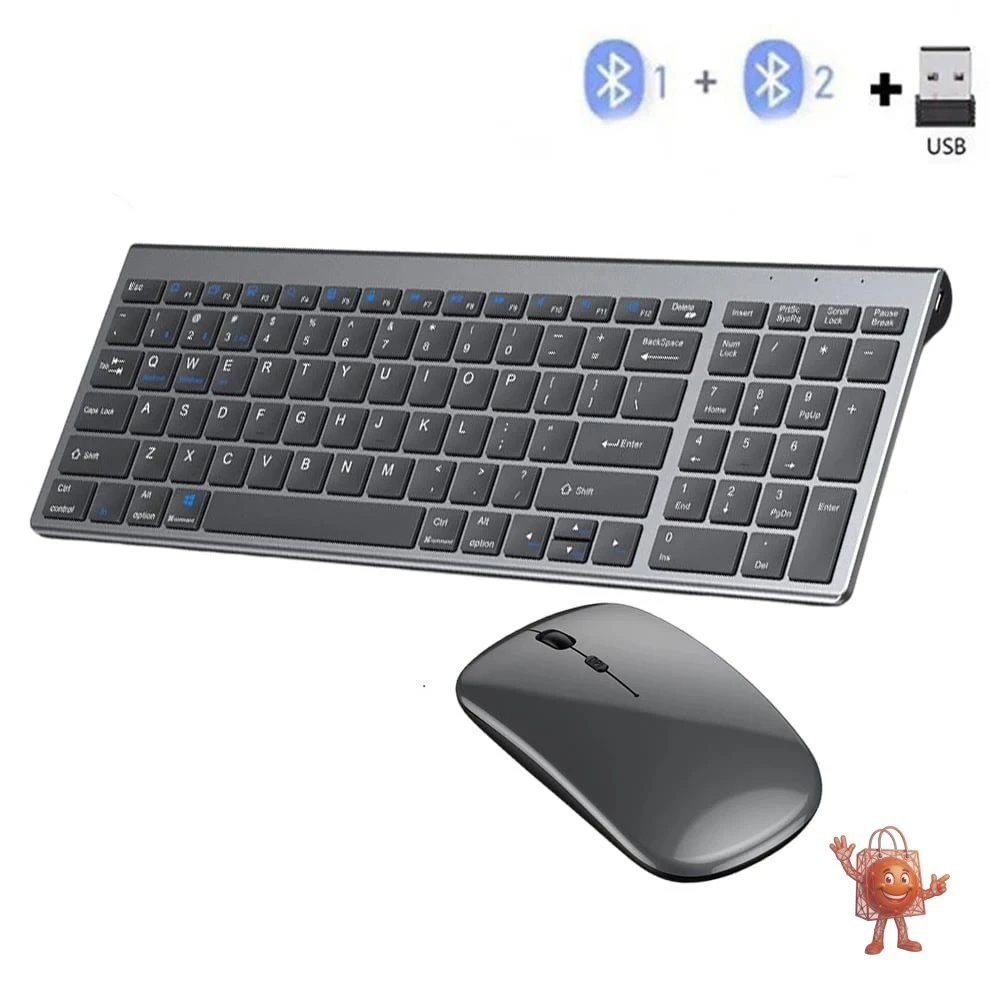
The combo arrives with the keyboard, a wireless mouse, and a USB charging cable. The build is slimmer than I expected - it has the kind of flat, matte grey profile that doesn't announce itself on a desk, which I appreciate. The construction feels solid enough for daily office use without feeling cheap or hollow.
The keyboard runs on Bluetooth 5.0 and also includes a 2.4G USB dongle, which means you can pair it to two different devices simultaneously and switch between them without going through a full re-pairing process. That is the main feature here and it works. It's not as seamless as the Logitech MX Keys where you hit a button and it's done in half a second, but it's genuinely functional for multi-device workflows.
It's a full-size keyboard - numeric keypad included. That matters more than people give it credit for. A lot of budget wireless keyboards drop the numpad to cut costs, which makes them cheaper but also significantly less useful for anyone working with spreadsheets, accounting software, or data entry. Worth noting that the typing feel is quiet and has moderate key travel, not mechanical, but comfortable for long sessions.
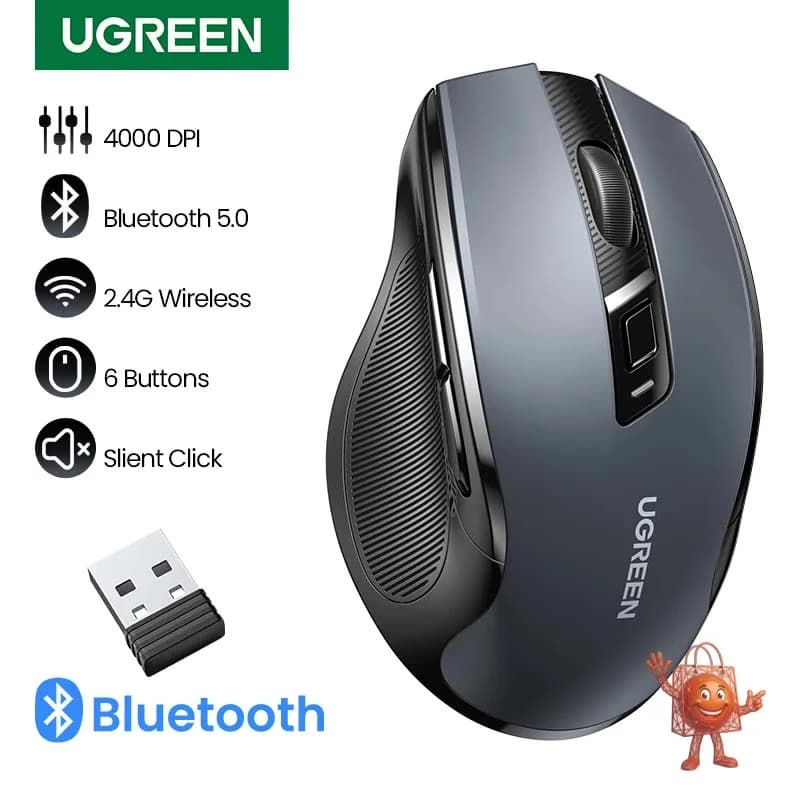
The mouse connects via the 2.4G dongle and is lightweight and ergonomic in a basic sense. It has an auto-sleep mode that kicks in after a few minutes of inactivity to preserve battery life.
The honest pros and cons
What genuinely works:
The multi-device connectivity is the real selling point and it delivers. The full numpad is a thoughtful inclusion at this price. The rechargeable keyboard battery is a meaningful upgrade over AA-battery keyboards - no dead batteries at inconvenient moments. Several buyers specifically called out how slim and light it is without feeling flimsy, and I'd agree with that assessment.
Reviews from verified buyers mention the multi-device switching as a standout feature, particularly for people who use both Mac and Windows machines. One buyer switched it from Apple devices to Windows and Linux machines and found it genuinely faster than the Apple native option.
The real limitations:
The mouse is not rechargeable - it runs on standard batteries. If you want a fully cable-free, rechargeable setup, this only gets you halfway there. The mouse is also a basic office-grade peripheral: fine for productivity, not suitable for design work or gaming. The Bluetooth pairing, while functional, is slower to switch than dedicated multi-device keyboards at higher price points. And the keyboard layout may include region-specific characters depending on the variant shipped, so check before ordering if you need a specific layout.
What does $32 normally buy you in this category?
At this price point, you typically get a single-connection wireless keyboard with no mouse included, running on disposable batteries. Branded options like the Logitech K380 come in around $40 and only pair via Bluetooth with no numpad. The Microsoft Sculpt Ergonomic Keyboard runs $60 and up. A combo deal with dual connectivity, a full numpad, a rechargeable keyboard, and a wireless mouse bundled in at around $32 is genuinely unusual. You're trading some build quality and switching smoothness for a much lower price - that's a fair trade for most office users.
Buy it if / Skip it if
Buy it if:
- You work across two devices and want to avoid the cable shuffle
- You need a full numpad and don't want to pay $60+ for it
- You're setting up a clean, minimal desk without a lot of wires
- Battery keyboards frustrate you and you want something rechargeable
Skip it if:
- You type for 8+ hours a day and need premium key feel - this is office-grade, not enthusiast-grade
- You want the mouse to be rechargeable too
- You need sub-millisecond switching between devices for professional workflows
- You need a guaranteed specific keyboard layout and can't verify the variant before purchase
My honest take: For around $32, a dual-connection wireless combo with a full numpad and rechargeable keyboard is a genuinely useful package for everyday work. It won't replace a $120 Logitech MX setup, and it's not trying to. But for home office users, students, or anyone juggling two machines, it solves a real problem at a price that makes sense. Price: $32 (was $65).
Check it out here: https://www.ali-ex.com/NXVMSG
🔥 Similar products you might like
More quality products from the same category