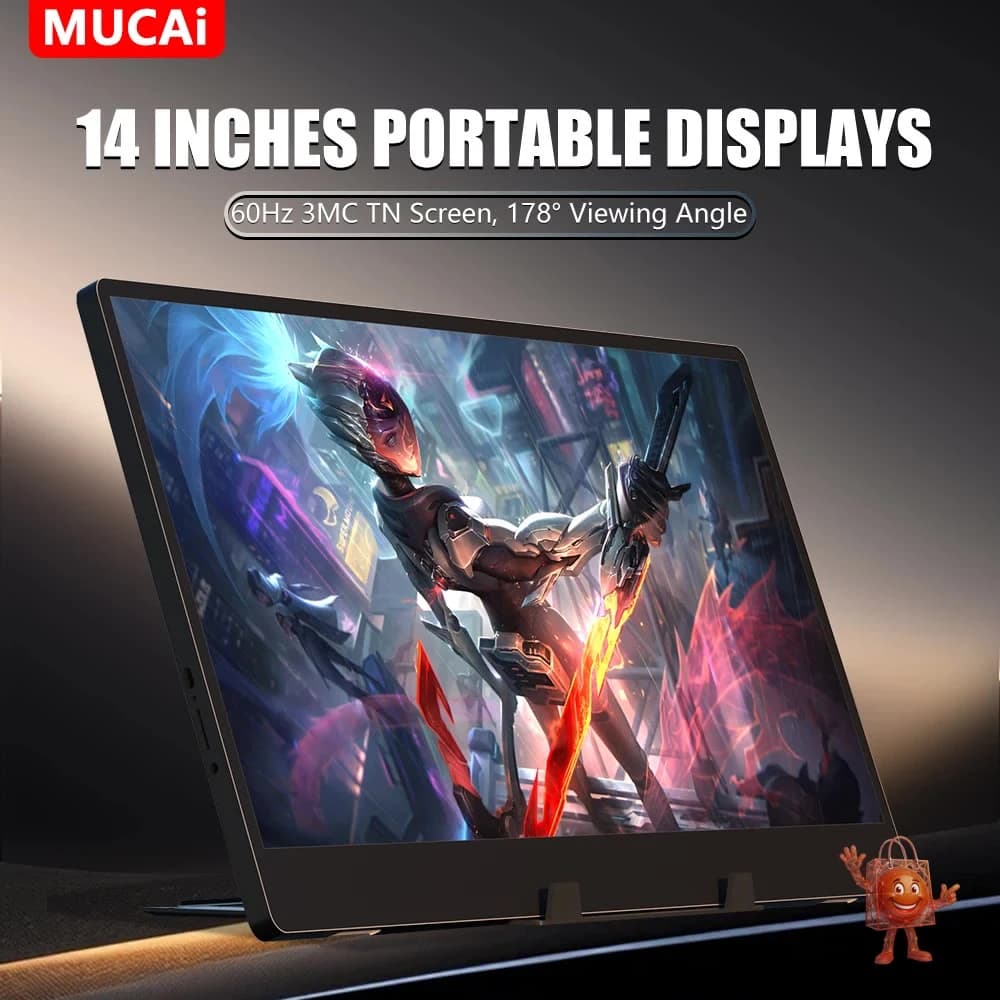
MUCAI N140-S36 Portable Monitor Review: Honest Take at $47
A 14-inch portable monitor for under $50. I looked closely at what you actually get — and what you don't.
Save $50.55 on this deal!
⏰Offer valid for a limited time!
🛒Buy now on AliExpress🔒 Secure payment on AliExpress • Price may change
📋 Detailed description
The problem with working away from your desk
If you work remotely with any regularity — from a coffee shop, a hotel room, a co-working space, or even just the kitchen table — you know how limiting a single laptop screen gets. You end up toggling between windows, losing context, and generally working slower than you would at your home setup.
The obvious fix is a portable monitor. The annoying part is that most decent ones cost $100 or more. The ASUS ZenScreen starts around $130. The AOC 16T2 is in the same territory. So when the MUCAI N140-S36 showed up on my radar at $46.66 — marked down from roughly $97 — my first instinct was skepticism, not excitement.
Here's what I found after looking at this closely.
Honest Review: What this monitor actually does
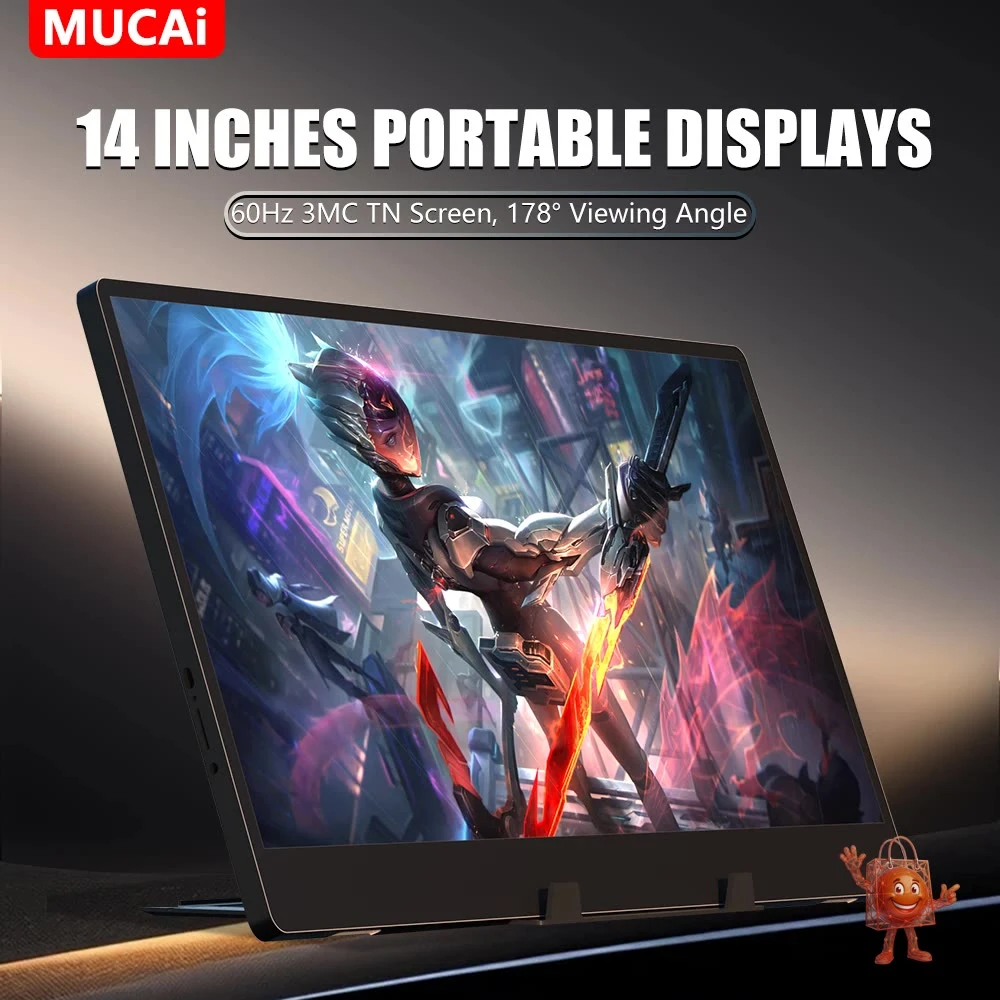
The MUCAI N140-S36 is a 14-inch portable monitor with a TN panel, 1366x768 resolution, 60Hz refresh rate, 3ms response time, and 250 cd/m² brightness.
The connectivity is the strongest argument for buying it. It has both a mini HDMI input and two USB-C ports — one for power, one for video signal. That dual-input setup means it works with virtually any modern laptop. If your machine supports USB-C with DisplayPort Alt Mode (most current Windows laptops and all recent MacBooks do), one cable handles both power and video. That simplifies setup considerably compared to monitors that force you into dongles and adapters.
The package includes a stand, the necessary cables, and a USB charger. You can use it out of the box without hunting for accessories, which matters when you're already dealing with a travel bag.
Reviews from buyers in multiple countries confirm the setup works — one buyer in Brazil noted it charges directly from a phone charger. A buyer in Sweden mentioned picking up two units to use as DIY car screens. The use cases are broader than just laptop productivity.
What surprised me is how consistent the 5-star feedback is across different markets and connection methods. That's usually a decent signal that the product does what it says.
The cons, stated plainly
The TN panel is the real limitation here, and it's worth being direct about it. TN panels have narrow viewing angles. Head-on, the image looks fine. Tilt the screen or view it from the side, and the colors wash out noticeably. If you're ever going to show something to a colleague sitting next to you, it becomes awkward.
The 1366x768 resolution is also worth noting. On a 14-inch screen it's functional, but it's not sharp by modern standards — text is readable but not crisp the way a 1080p or higher panel would be. For spreadsheets and documents, fine. For anything requiring color accuracy — photo editing, video work, design — this is the wrong tool.
One buyer in Poland noted that out-of-the-box calibration required adjusting display settings manually before the image looked correct. Not a dealbreaker, but it's not perfectly plug-and-play either.
There is no protective sleeve or case included. For a portable device, that's an omission you'll want to solve with a basic laptop sleeve.
What would you normally get at this price?
At $46.66, the portable monitor market is genuinely thin. Most recognizable brands — AOC, ASUS, Lepow — start at $90 and go up from there. The few options in the sub-$50 range tend to be unbranded units with no reviews, no consistent stock, and no confidence they'll arrive as described.
The MUCAI occupies a specific gap: it's a named brand with real volume, real buyer reviews across multiple countries, and dual connectivity that you don't usually find at this price. You're giving up panel quality (TN vs IPS, 768p vs 1080p) compared to what $100+ buys you. But for office work, remote work productivity, or an auxiliary display for a specific purpose, those tradeoffs are often acceptable.
If color accuracy matters to you — photography, design, video — spend the extra money on an IPS panel. That's the honest comparison.
Buy it if / Skip it if
Buy it if:
- You need a second screen for remote work and $47 is where your budget actually is
- You work mostly with text, documents, spreadsheets, and video calls
- You have a USB-C laptop and want the simplicity of a single-cable setup
- You have a specific use case — car screen, gaming secondary display, travel productivity — where the limitations don't matter much
Skip it if:
- You do photo editing, video production, or any color-critical work
- Viewing angle matters — you show work to others on the same screen
- You want 1080p sharpness
- You plan to use this as a primary display for hours at a time daily
My honest take: the MUCAI N140-S36 is a functional, no-frills portable monitor that delivers exactly what a $47 product should — and knows its limits. It won't replace a proper display, but for mobile productivity on a real budget, it's a reasonable buy.
Price: $46.66 (was ~$97.00)
Check current price and availability here: https://www.ali-ex.com/aRICNK
🔥 Similar products you might like
More quality products from the same category